Write a fire, legionella or general risk assessment
Answer plain questions about the property and get a dated assessment with an action plan.
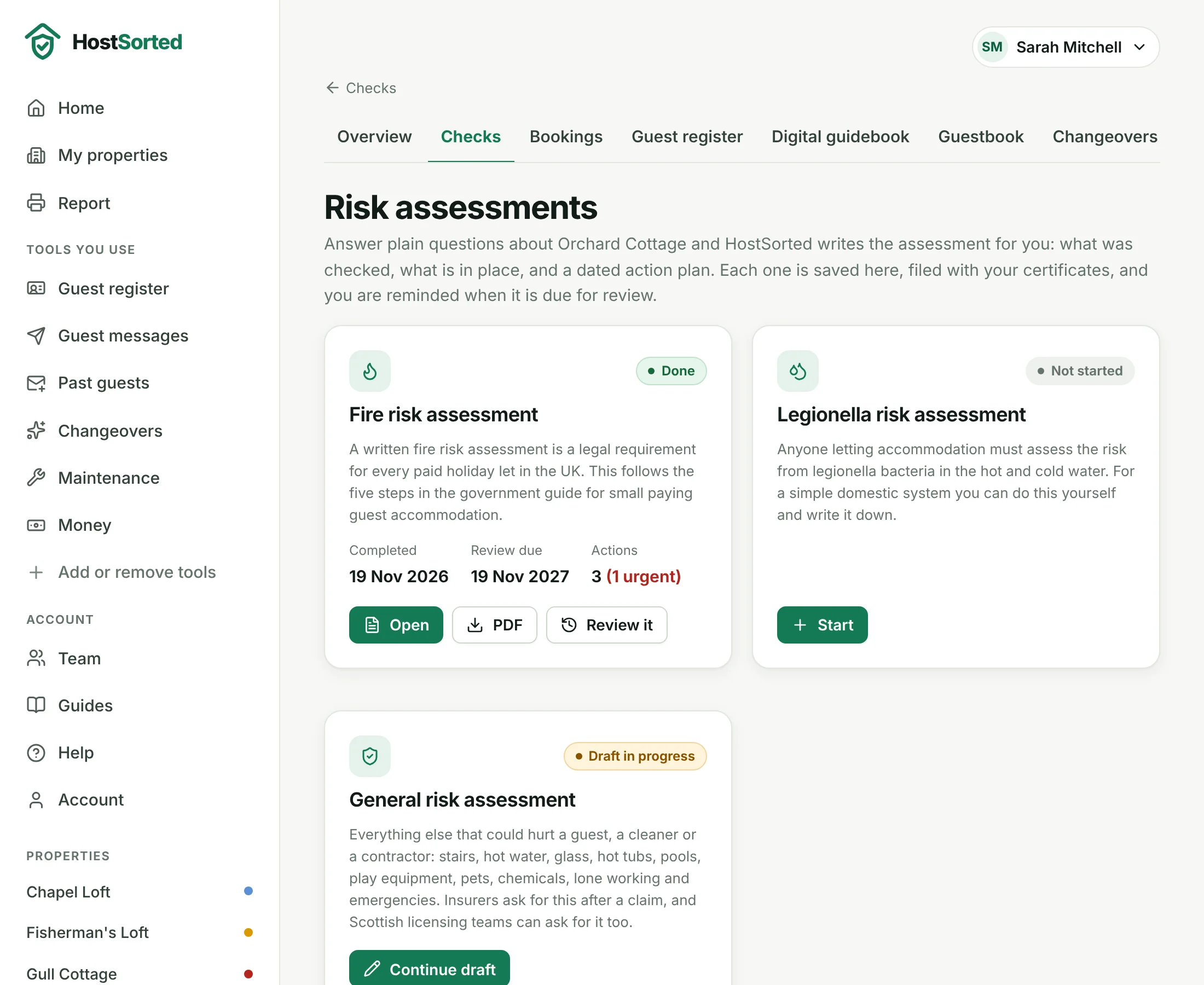
- On a property, open the Checks tab and click Risk assessments at the top. You can also click Write it here on the Fire risk assessment or Legionella risk assessment check. Choose Fire, Legionella or General and click Start.
- Fill in who is responsible, then tick what the property has: wood burner, hot tub, more than one floor and so on. The questions change to match.
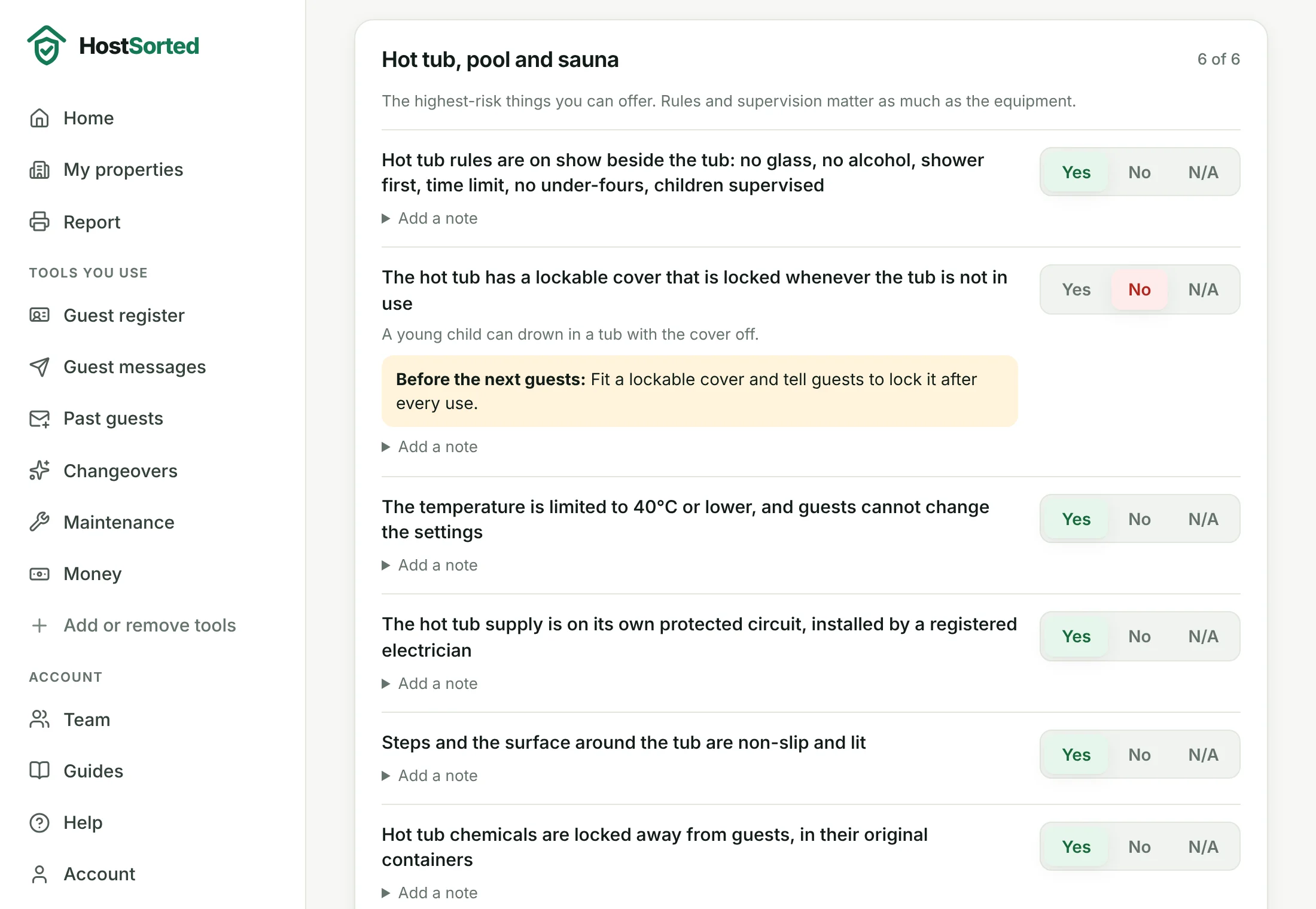
- Walk round the property and answer each question Yes, No or N/A. A No shows what to do about it and how soon. Add a note where it helps, and use the box at the end of each section for anything we have not asked about.
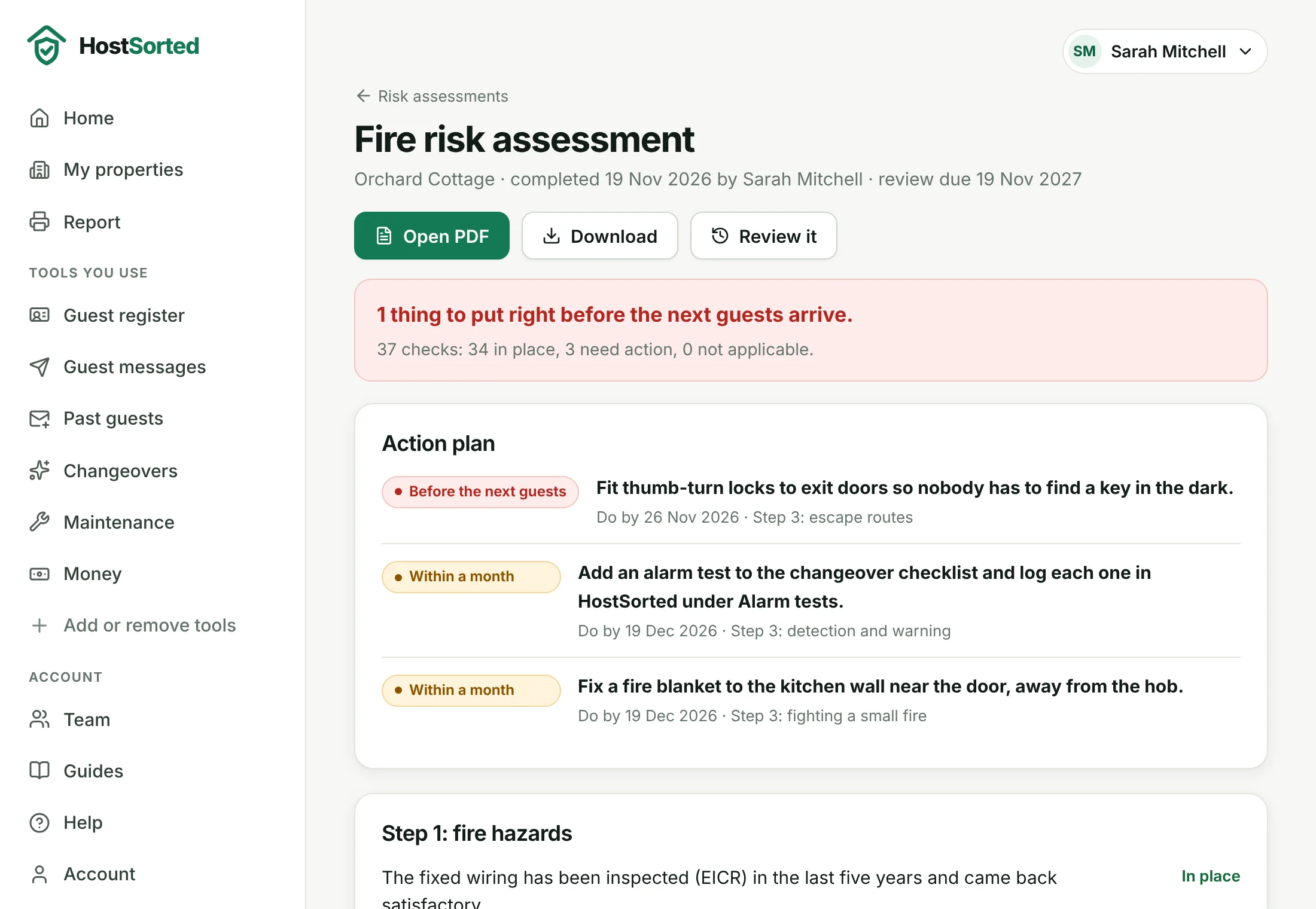
- Click Save draft to come back later, or Finish and write it up. HostSorted dates it, saves the PDF with your certificates, ticks the check on your list and sets the review reminder.
- Print the PDF, sign it and keep a copy at the property. When the review is due, click Review it: your last answers are filled in, ready to check.
Good to know
- Use it on your phone and walk round: the form is built for one hand. Nothing is lost if you close it after Save draft.
- The fire assessment asks four questions first. If the property sleeps more than 10, has guests sleeping two floors up or is otherwise outside the government guide for small premises, you need a professional fire risk assessor.
- You are the person responsible for the assessment. HostSorted provides the questions and wording; it has not inspected the property.
- Fire is free on every plan. Legionella and general are included in the Host, Pro and Agency plans and the free trial.
- On paid plans, each action can be added to Maintenance as a job when you finish.
- Finished assessments cannot be edited or deleted, so you always have the dated record. To change one, click Review it and finish a new version; the earlier one stays under Earlier versions.
- Had a professional do it instead? Skip the builder and record their report on the check with Record check, as for any certificate.
About the risk assessment builder
Screenshots show a sample account with made-up properties. Still stuck? Email [email protected] and we'll help.